Irshad AI ERP: one system for the whole business
Accounts, sales, a POS counter, purchase, stock, production, payroll and CRM in one ERP built on ERPNext, with modules for schools, clinics, lending and a web shop, which you can also ask in plain language. Works on a phone. Live demo, no sign-up.
The demo runs on sample data and opens with its sign-in filled in: press Continue and look around.
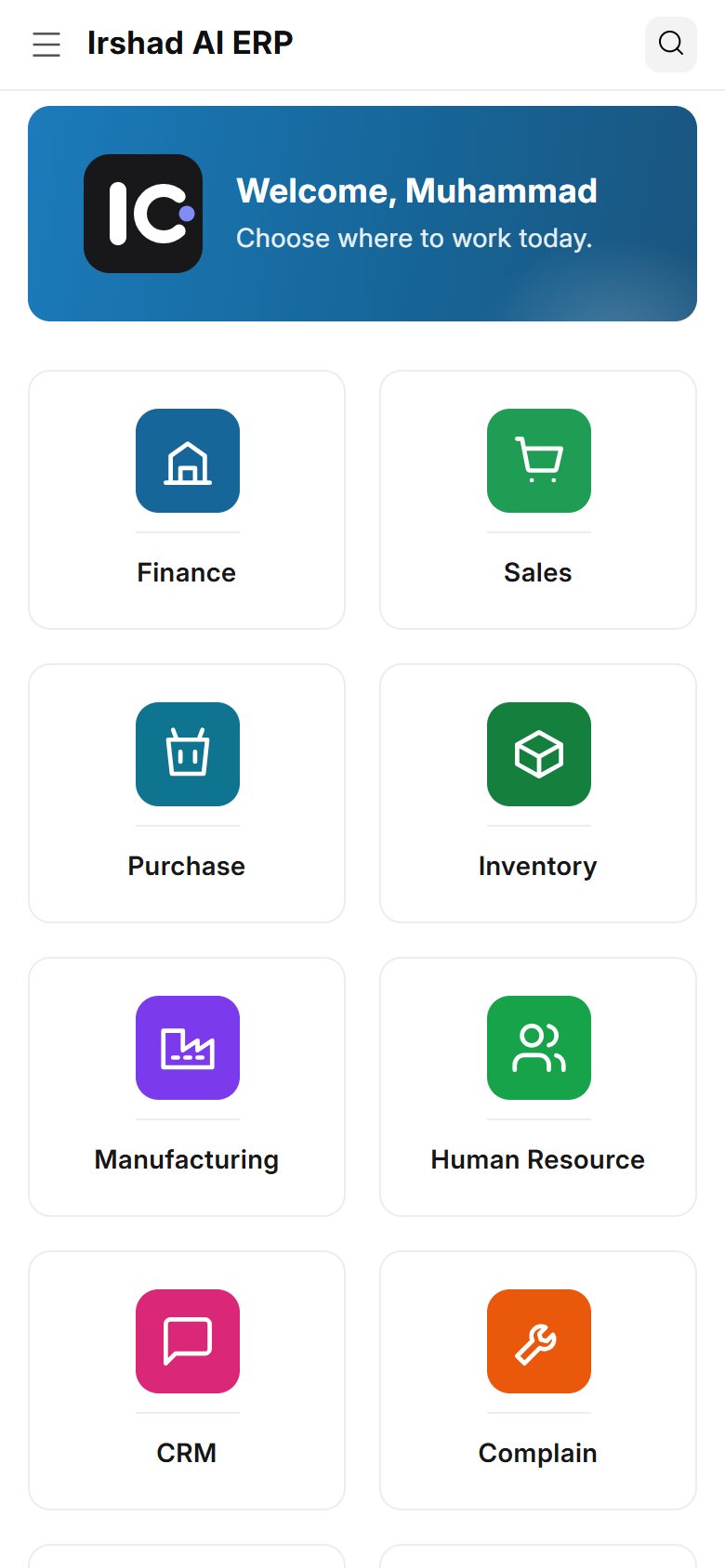
Every department in one place
Finance, sales, purchase, stock, production, HR, CRM, complaints, distribution, assets and projects open from one screen, each in its own colour with its own menu, along with modules for schools, clinics, lending and an online shop. Each person sees only the modules their role allows.
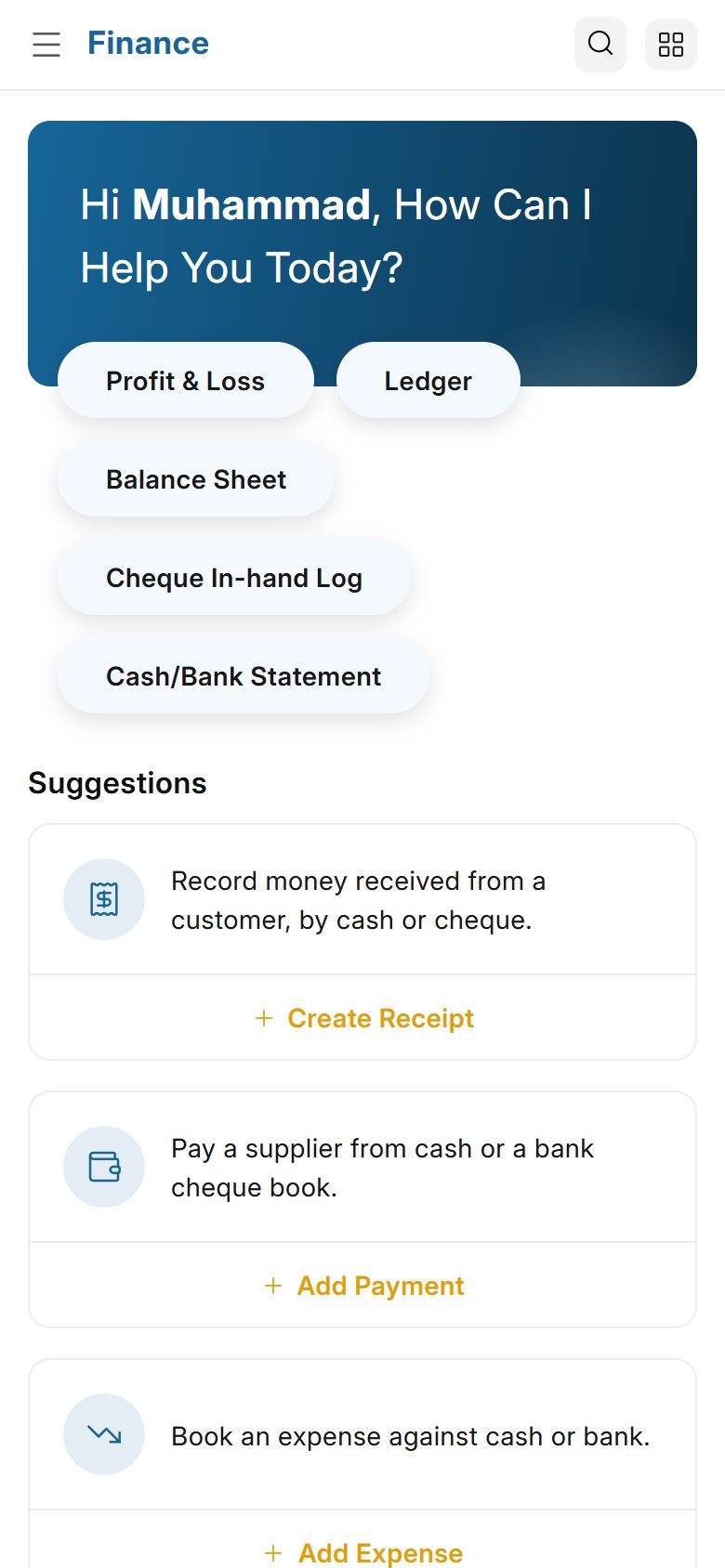
Finance your accountant will recognise
Receipts and payments by cash or cheque, expenses, vouchers, a log of cheques in hand, cash and bank statements, ledgers, profit and loss and the balance sheet, each a tap away.
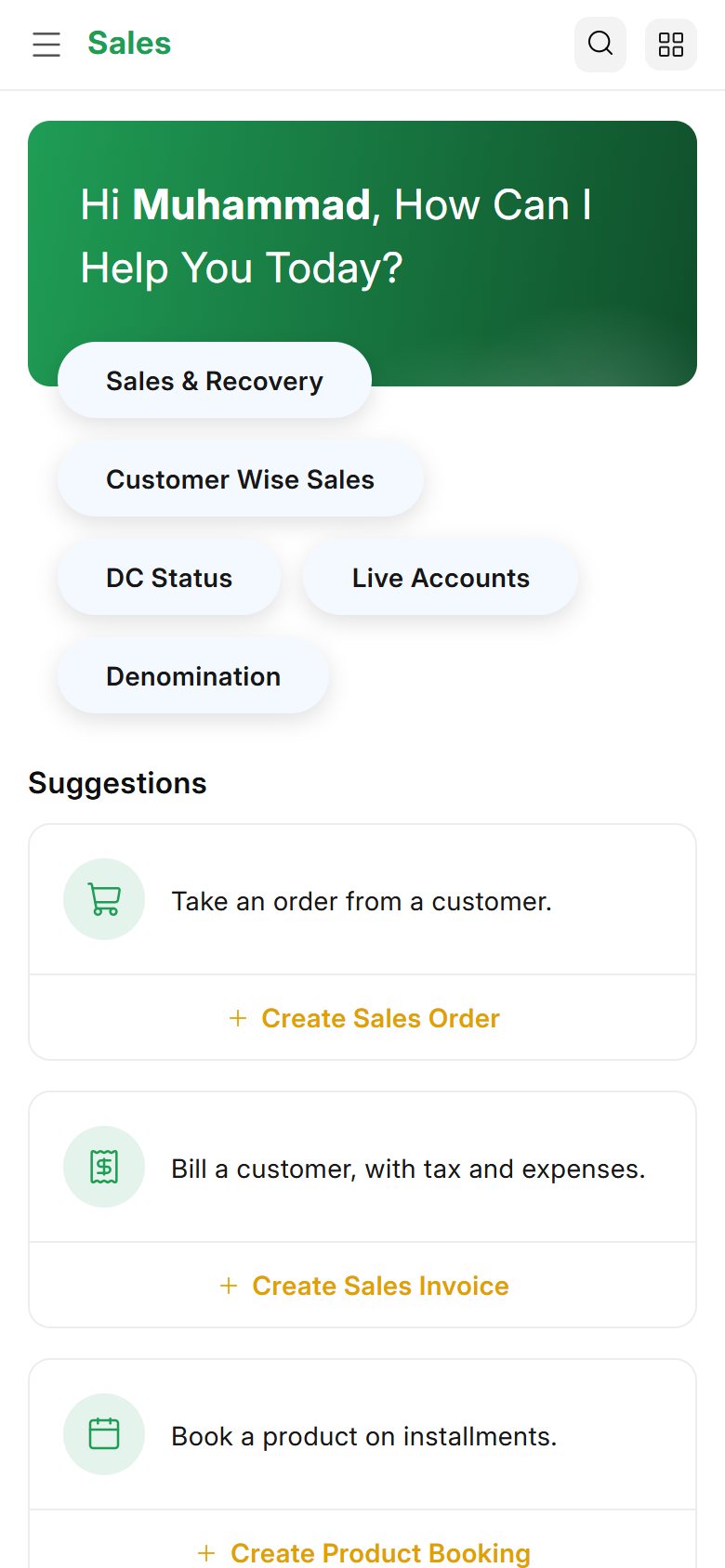
Sales from order to recovery
Quotation, customer order, delivery challan and invoice, with the customer's balance and credit limit in view while you bill. Recovery and customer-wise sales sit on the same screen.
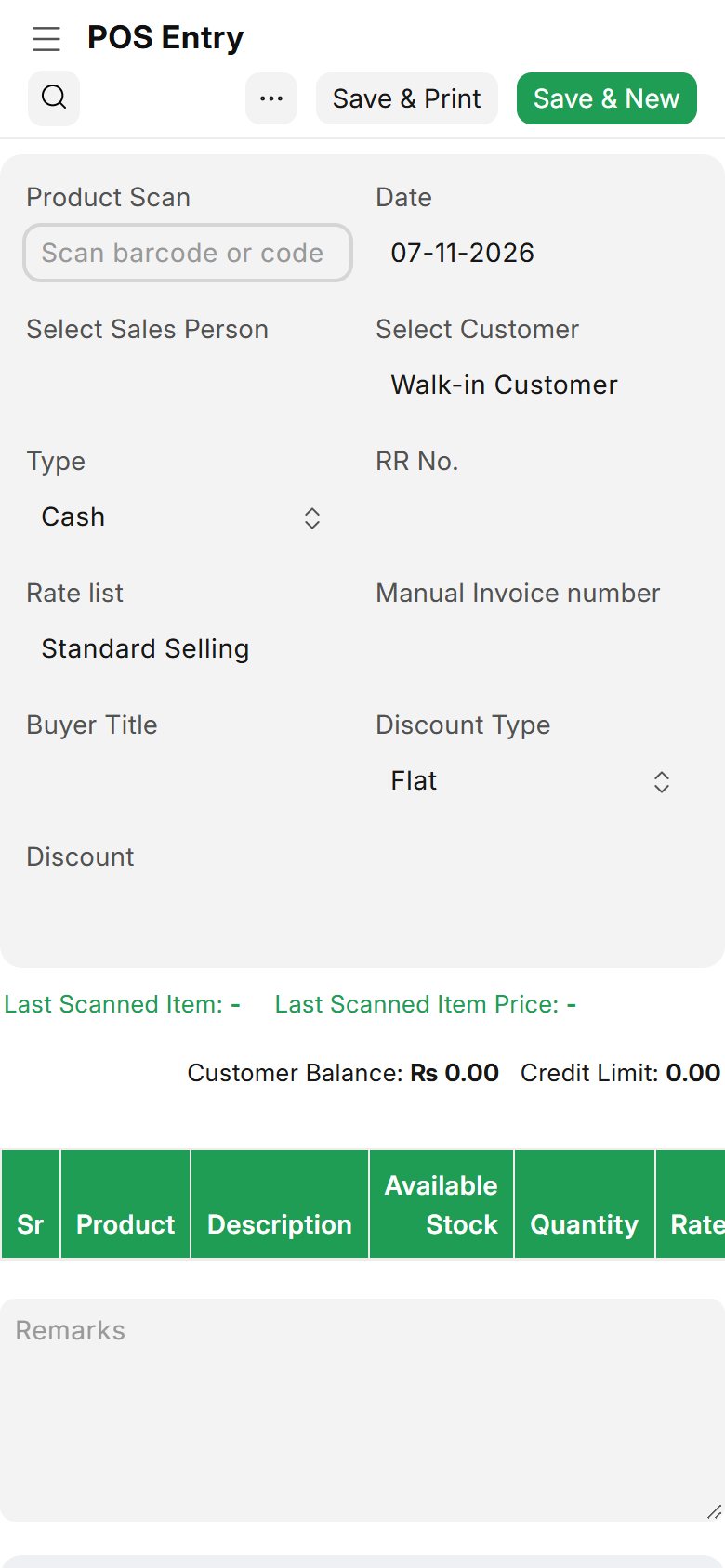
A POS counter for walk-in sales
Scan a barcode, choose cash or credit, apply a discount, take the money and see the change. The bill prints as an 80 mm receipt.
Staff and salaries
Attendance, leave, advances, loans and the monthly salary sheet, with deductions for late coming and early leaving, and salary tax slabs set for your country.
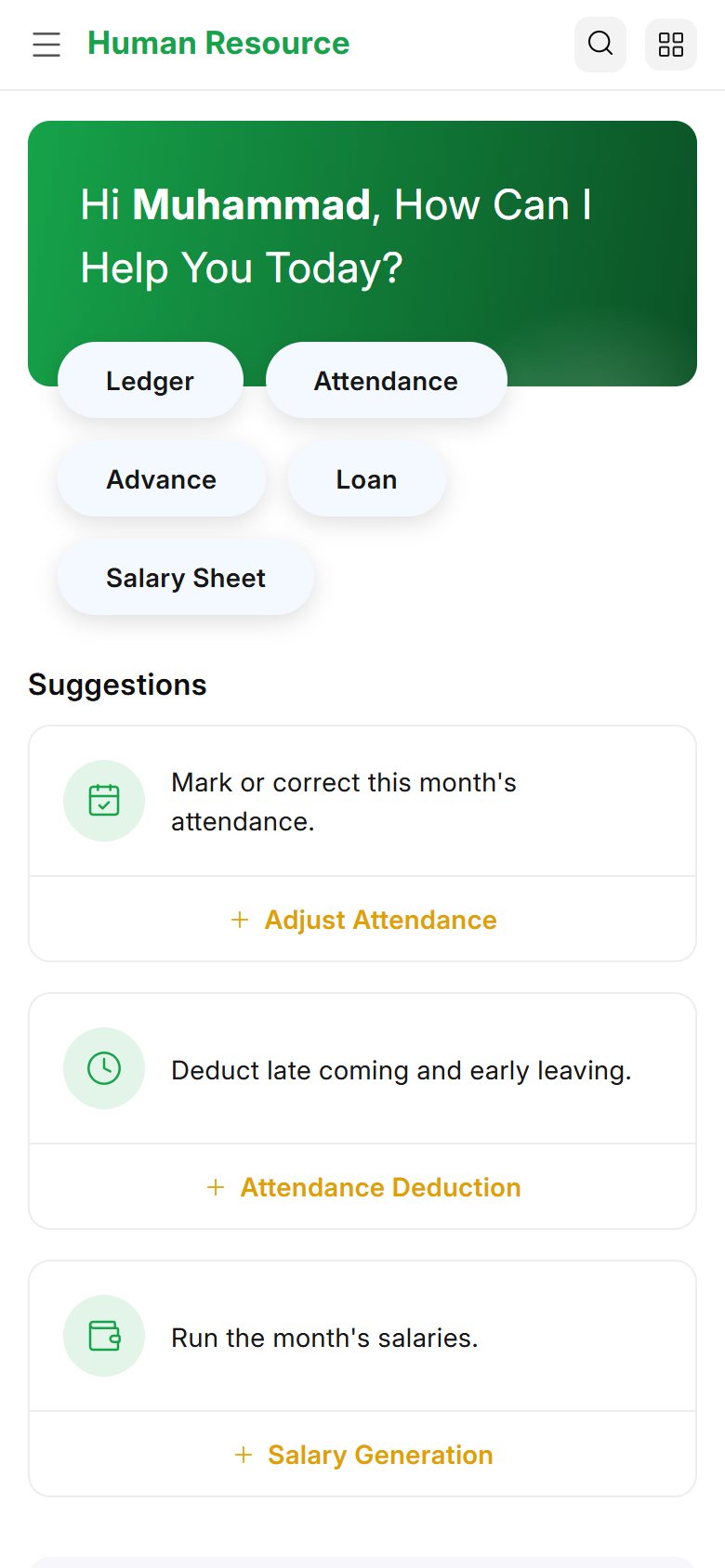
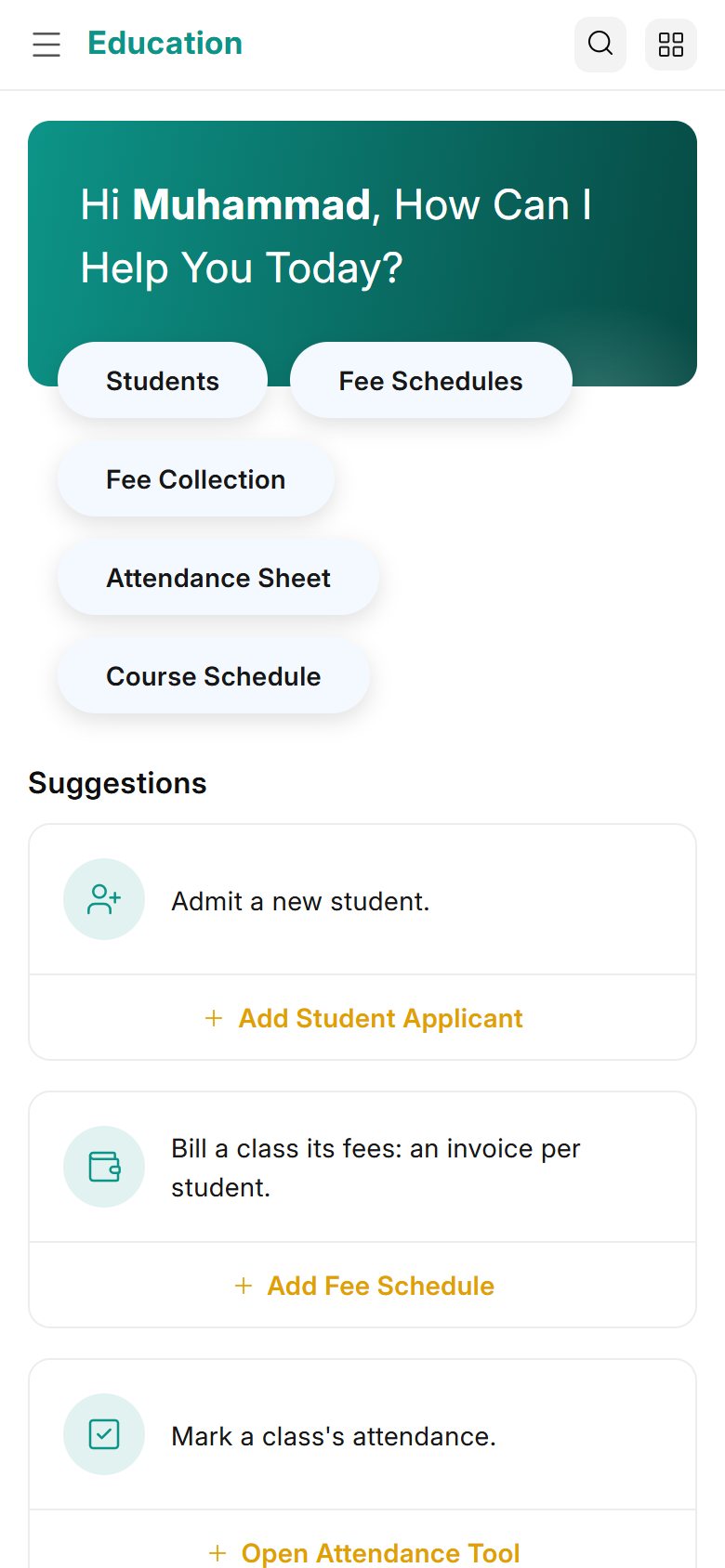
Modules for your industry
Schools get admissions, attendance and fee bills for a whole class. Clinics get patients, appointments and lab tests. Water plants get home orders, delivery riders and the bottles each customer holds. Lenders get loans with payouts and instalments, and shops get a web shop that sells from their own stock. Every one of them posts to the same accounts.
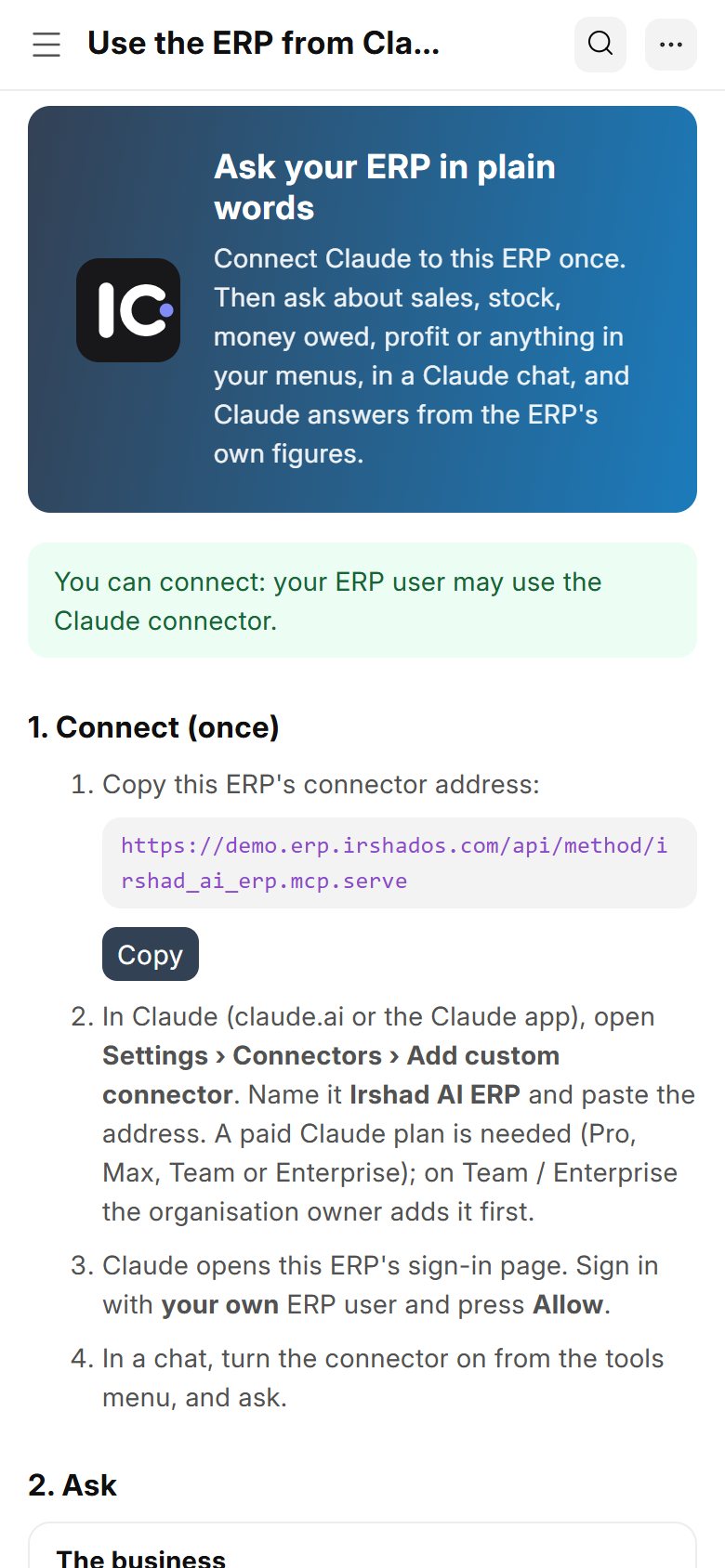
Ask your ERP in plain language
Connect Claude, or another AI assistant that supports the open MCP standard, and ask "who owes us the most?" or "what should we reorder?". It answers from your own books, and it can prepare a voucher or an order for someone to check and approve.
How we set it up for you
- 1
Walk through how you work
A short call or a few screenshots per department: what you enter, what you print, which reports you open every day.
- 2
Set up and import
Your own installation, with your chart of accounts, customers, products and opening balances, checked against your trial balance.
- 3
Fit the screens and prints
Your field names, invoice and voucher layouts and approval steps, on a copy you test before anything goes live.
- 4
Go live and support
Start on a month's first day, then training per department and a monthly retainer for questions and changes.
Questions
Does it work on a phone? ▾
Yes. Every picture on this page was taken on a phone-sized screen. It works the same on a computer or tablet, in the browser, with nothing to install.
What is it built on? ▾
ERPNext v16 with Frappe's own open-source apps for HR, CRM, helpdesk, lending, education, healthcare and the web shop, software used by thousands of companies, reshaped screen by screen into one consistent system. You are not locked into a closed product.
Do we need an AI subscription? ▾
No. The ERP works fully on its own. The AI connector is an extra: it needs an AI assistant that supports MCP, such as a paid Claude plan, and each person signs in with their own ERP account.
What does it cost? ▾
It depends on how many people will use it and how much setup you need. Tell us what your business does and how many users you expect, and we send a written quote.
Does it fit our country's taxes? ▾
Currency, financial year, sales tax, VAT or GST, withholding tax and salary tax are settings. Pakistan's FBR sales and salary tax are ready to switch on, and there are screens for the UAE, South Africa, India and the US.
Made for your kind of business
- Traders, wholesalers and distributors
For traders, wholesalers and distributors: customer balances and credit limits on every bill, recovery and salesman targets, orders against real stock, cheques in hand and a sales dashboard. Works on a phone.
- Factories and workshops
For factories and workshops: each product's bill of materials, production plans and batch tickets, store demand to purchase order to GRN, gate passes, and stock of raw material and finished goods in every store.
- Shops, showrooms and outlets
For shops, showrooms and outlets: a POS counter with barcode scanning, cash or credit sales and an 80 mm receipt, every bill in one list, stock in every outlet, your own web shop, complaints and repairs, and a sales dashboard. Works on a phone.
- Companies with many staff
For companies with many staff: attendance with late-coming deductions, leave, advances and loans, the monthly salary sheet with salary tax slabs, and every employee's record from joining to resignation.
- Schools, colleges and academies
For private schools, colleges and academies: admissions, students and guardians, classes and courses, attendance, exams and results, fee bills for a whole class in one go, and teachers' salaries in the same books. Works on a phone.
- Clinics, hospitals and labs
For clinics, hospitals and labs: an EMR with each patient's history, consultations, diagnoses, prescriptions and lab results, plus appointments with each doctor, inpatient and emergency records, billing that posts to the accounts, medicine stock and staff salaries. Works on a phone.
- Water Plants - Beverages Units
Irshad AI ERP for Water Plants - Beverages Units (RO, mineral water and filling plants): home orders from your own order page or WhatsApp, delivery riders and rounds, the bottles each customer holds and their security deposits, refills at the counter, water test records, and the plant's accounts and salaries. Works on a phone.
The full feature list and every screen are on the Irshad AI ERP app page, and the setup service on ERP Implementation.
See it with your own work
Tell us what your business does and how many people will use it. We show you the ERP on a short call, with the screens you would use every day, and send a written quote. Email dev@irshados.com.